
Always set up the Master Look & Feel first. Individual email templates can be overwritten individually later.
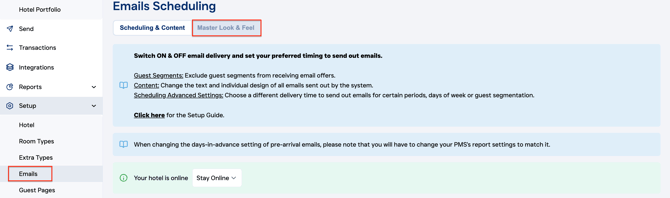
Setup > Emails > Master Look & Feel
The right side of the page displays the preview. Don’t forget to click “Save Changes” to apply and reflect your updates.
On the left side on the page, there are 9 sections on the email that you can edit. Let's break them down:
1. Email Background Color (default is black #000000 on white #ffffff)
2. Email Body
3. Hotel Logo and Title
4. Main picture: (will be displayed below the title)
5. Call-to-Action Button: (you can adjust the text later)
6. Reservation Details: (This is a text box containing the guest's booking details)
7. Pictures (optional): (You can add up to 2 pictures right under the CTA button and Reservation Details).
8. Property Highlights (optional): (You can add pictures next to text. The picture can also contain an external link.)
9. Footer and Social Links: