Description: We are not receiving your room availability data from Opera On Prem. This data is essential for managing and optimizing room upgrades and ensuring dynamic pricing.
Importance: Receiving accurate room type availability is crucial for sending targeted offers to your guests. It ensures that rooms are available for upgrades and supports dynamic pricing strategies based on occupancy levels. Without this data, the effectiveness of your upselling program and revenue management efforts may be compromised.
1. Login to Opera PMS and go to Miscellaneous > Report Scheduler
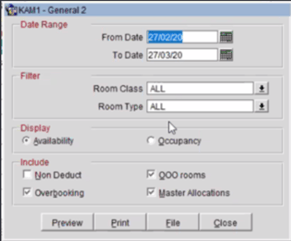
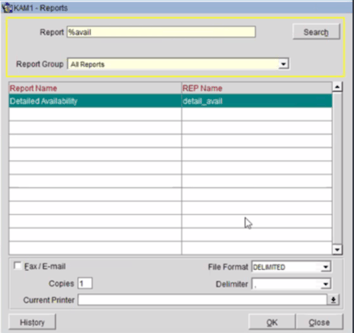
2. Click on New and then search for Detailed Availability Report. File Format is Delimited and Delimiter is a comma.
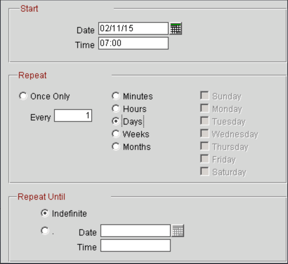
3. Setup the Scheduler from today's date (select same time as the reservations report) and for the report to repeat every 1 day.